project 01
Homelab — Segmented Network Security Environment
A segmented home network built to mirror enterprise design — four VLANs, a real firewall, and a bastion host, with every packet passing through one point of control.
My room has WiFi but no Ethernet drop. Rather than a mesh extender, I built a WiFi-to-Ethernet bridge feeding a real firewall, a managed switch, and a segmented VLAN architecture — the same shape you'd find protecting a small business network.
Hardware
| Role | Device |
|---|---|
| Hypervisor host | Dell OptiPlex 3070 Micro — running Proxmox VE |
| Firewall / router | VMware Edge 620 appliance, wiped and running OPNsense |
| Managed switch | Netgear GS308E — 8-port, 802.1Q VLAN tagging |
| WiFi-to-Ethernet bridge | GL.iNet Opal — OpenWrt, client/repeater mode |
| UPS | Tripp-Lite ECO850LCD, monitored via NUT |
| Rack / cabling | GeeekPi rack + patch panel |
Network layout
| VLAN | Purpose |
|---|---|
| Management | Firewall, switch, hypervisor host |
| Servers | DNS, monitoring, jump box |
| DMZ | Internet-facing services (Drippin' Pools) |
| Lab | Isolated pentest range (Kali + Metasploitable) |
What it's built from
Foundation
The physical stack
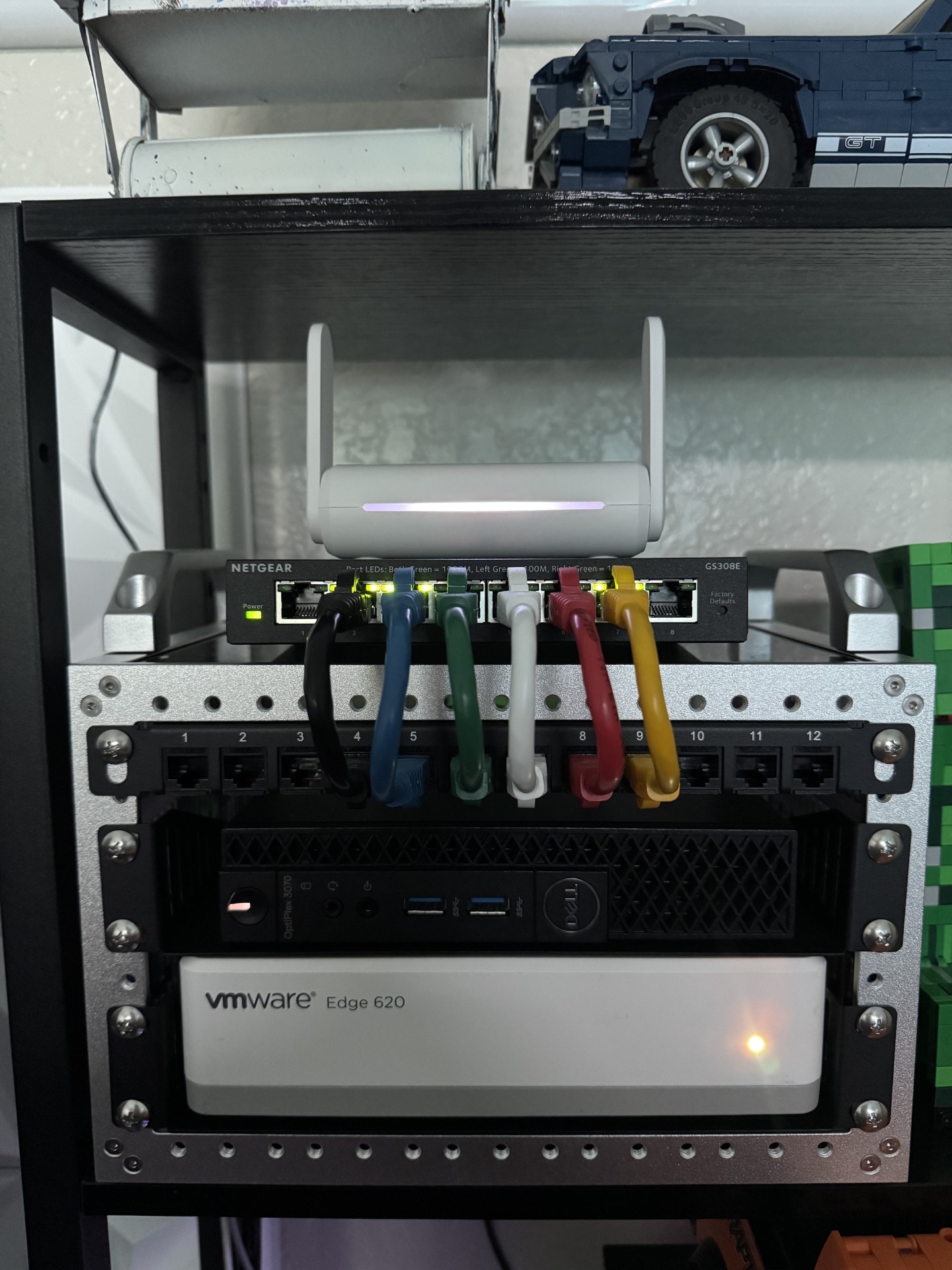
Hypervisor host, firewall appliance, managed switch, patch panel, and UPS, racked and cabled. Everything routes through a patch panel rather than running cables straight from each device to the switch — color-coded per VLAN, which paid off the first time a cable got plugged into the wrong physical port.
Proxmox VE
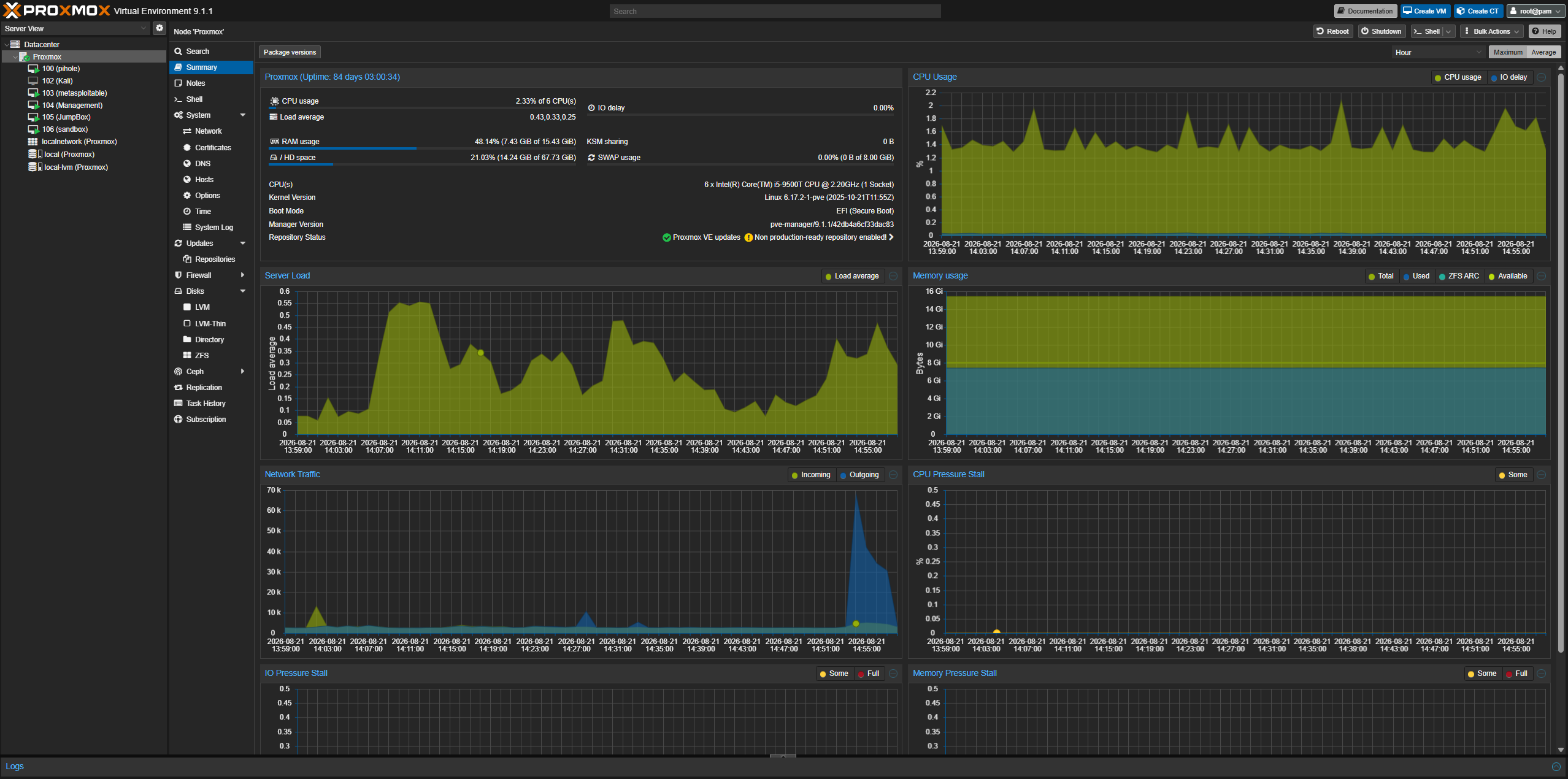
The hypervisor running every VM in the lab: DNS, monitoring, the jump box, and an isolated attack range. The host itself lives on the Management VLAN only — never on Lab — so a compromised lab VM has no path back to the hypervisor running everything else.
Network & firewall
OPNsense
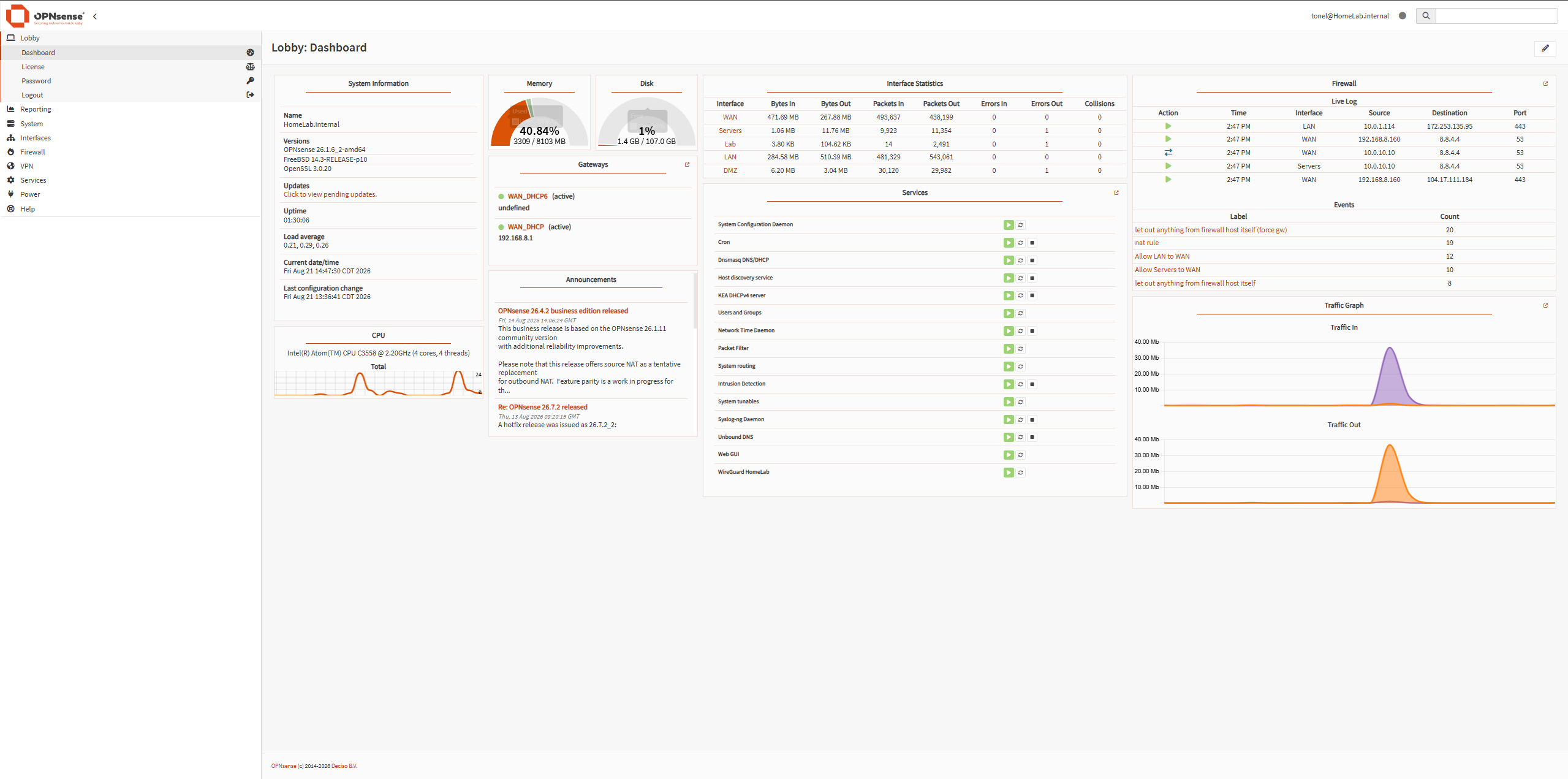
The firewall and router. Every VLAN's traffic passes through here; nothing crosses between segments unless a rule explicitly allows it. Rules are evaluated top to bottom, default-deny — anything not explicitly allowed is dropped silently, no exceptions.
Four VLANs
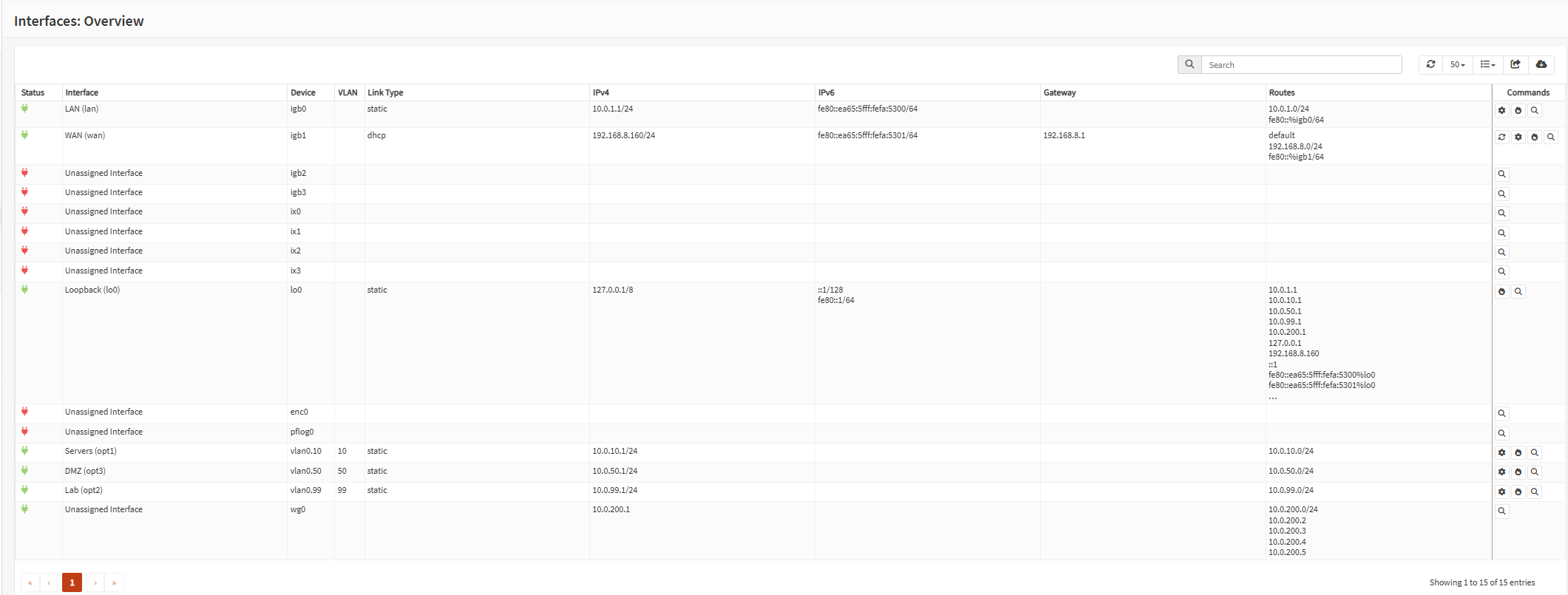
Management, Servers, a DMZ for anything public-facing, and a fully isolated Lab network for intentionally vulnerable practice targets. All four ride the same physical cable between the firewall and the switch, 802.1Q-tagged over a single trunk port — one wire, four logically separate networks.
Security services
Pi-hole
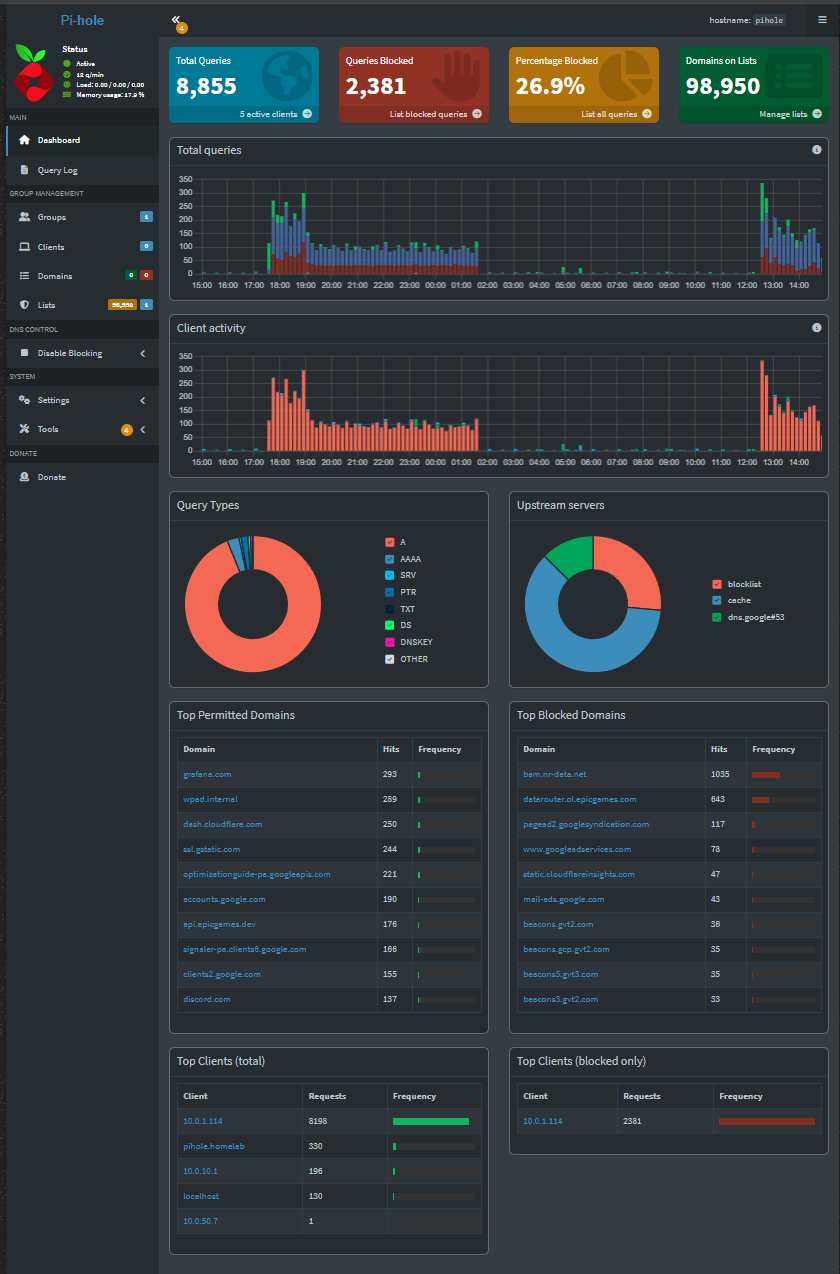
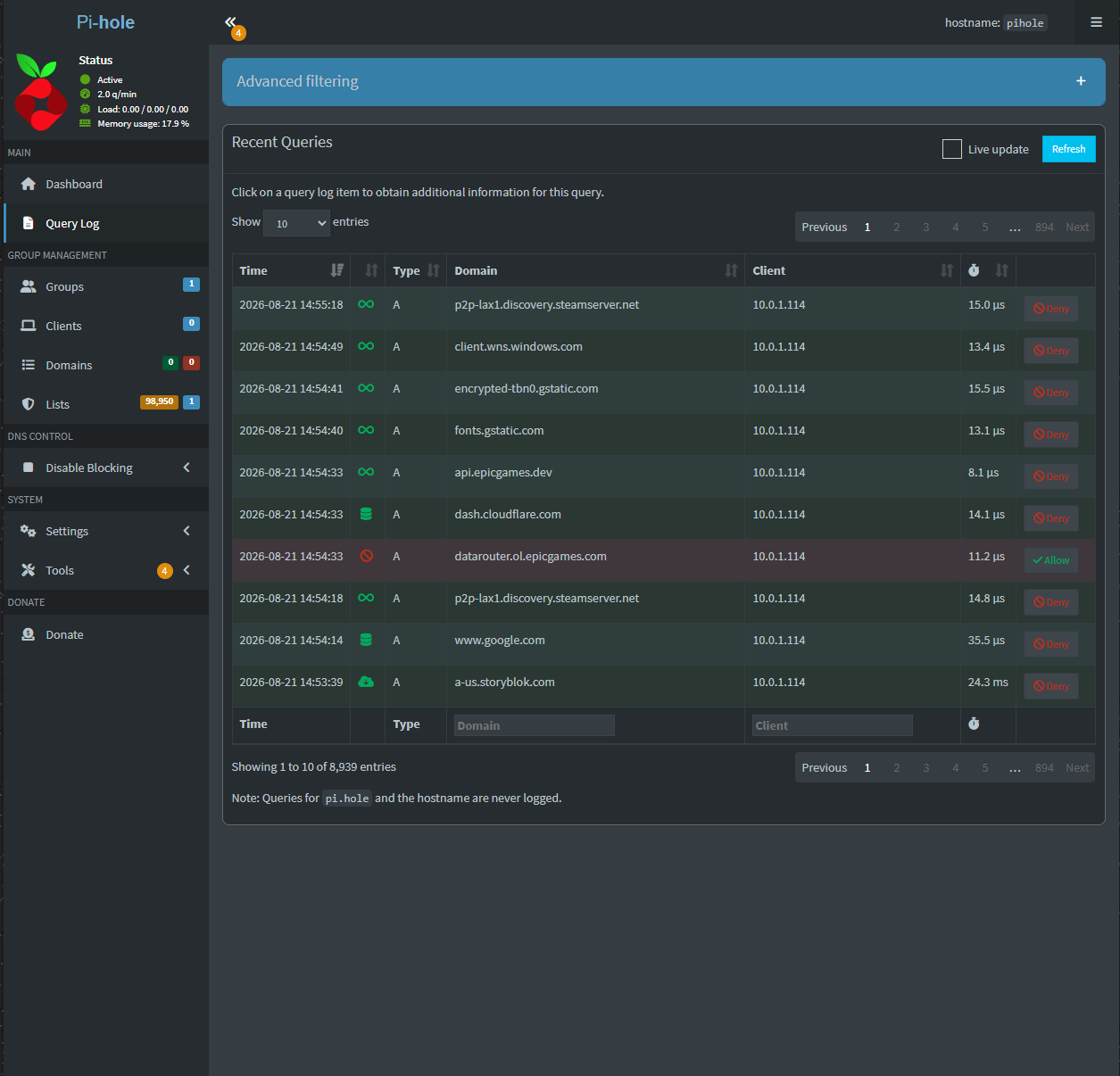
Centralized DNS for every VLAN, with DNSSEC and DNS-over-TLS, and full visibility into what every device is resolving. It came up with over 80,000 domains on its blocklist and started logging queries immediately — the DMZ's DNS also routes through it specifically so anything a compromised public-facing box tried to "call home" to would get logged and blocked automatically.
Suricata
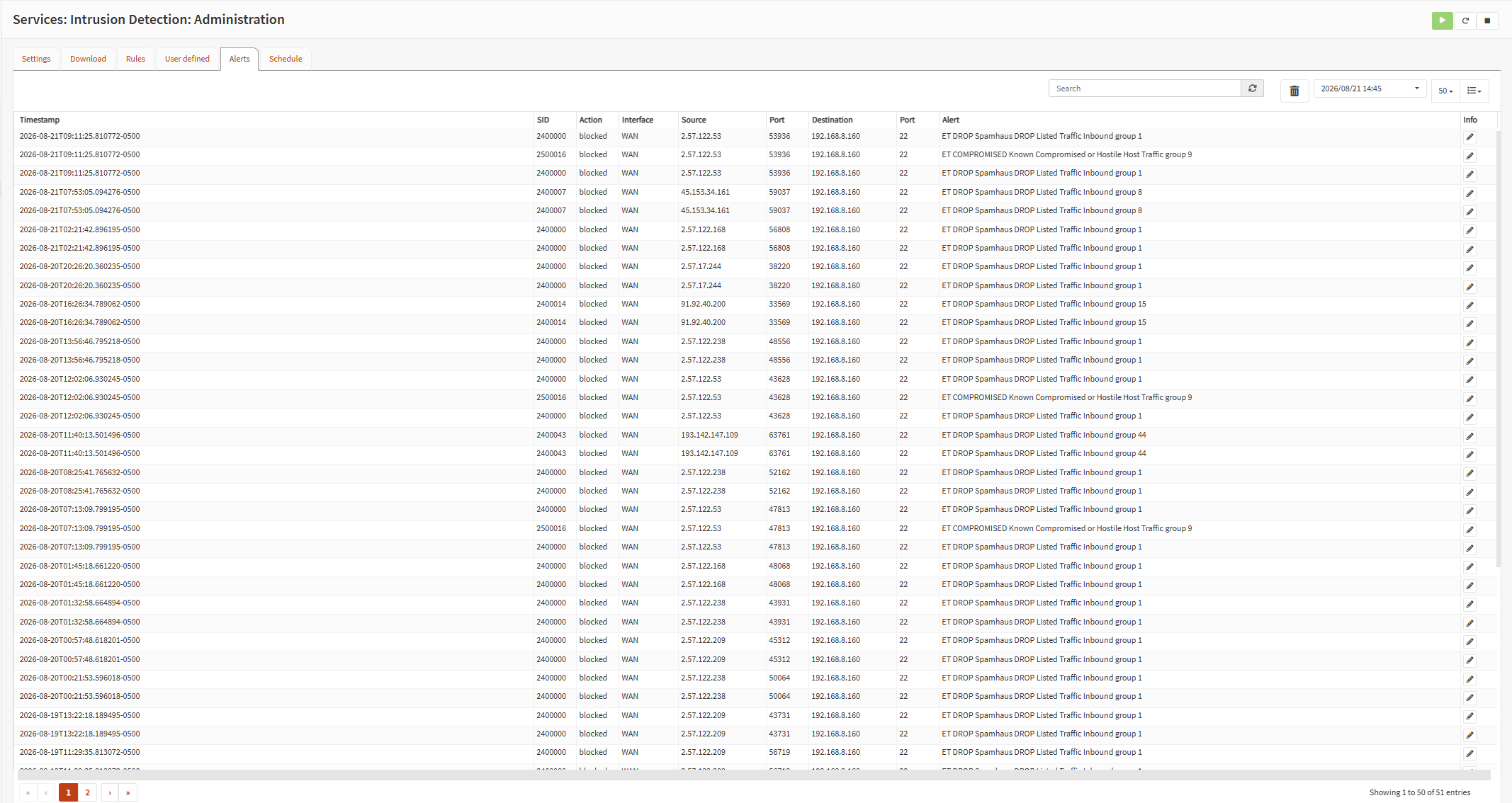
Inline intrusion detection/prevention, actively blocking known-bad traffic before it reaches anything internal. Running in true IPS mode (not just alert-only) with rulesets covering known botnet C2 traffic, compromised hosts, and active exploit signatures, auto-updating daily.
fail2ban
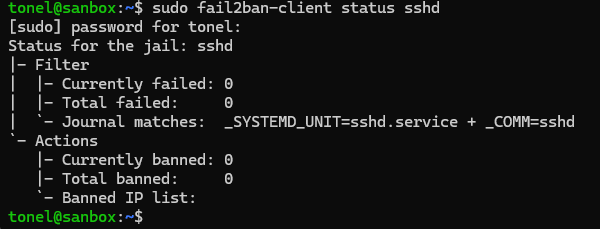
Running on the jump box — the one server reachable from the public internet — auto-banning brute-force attempts. Tuned tighter than the defaults: fewer failed attempts allowed before a ban, and repeat offenders get a longer ban each time, up to a hard cap.
Access & monitoring
WireGuard

Remote access to the whole lab over its own dedicated subnet. Can run split-tunnel (only lab traffic through the VPN, so everyday browsing stays fast) or full-tunnel (everything routed through home, so every device also gets Suricata inspection and encrypted DNS) — a genuine tradeoff, switched depending on whether speed or coverage matters more at the time.
Grafana + Prometheus
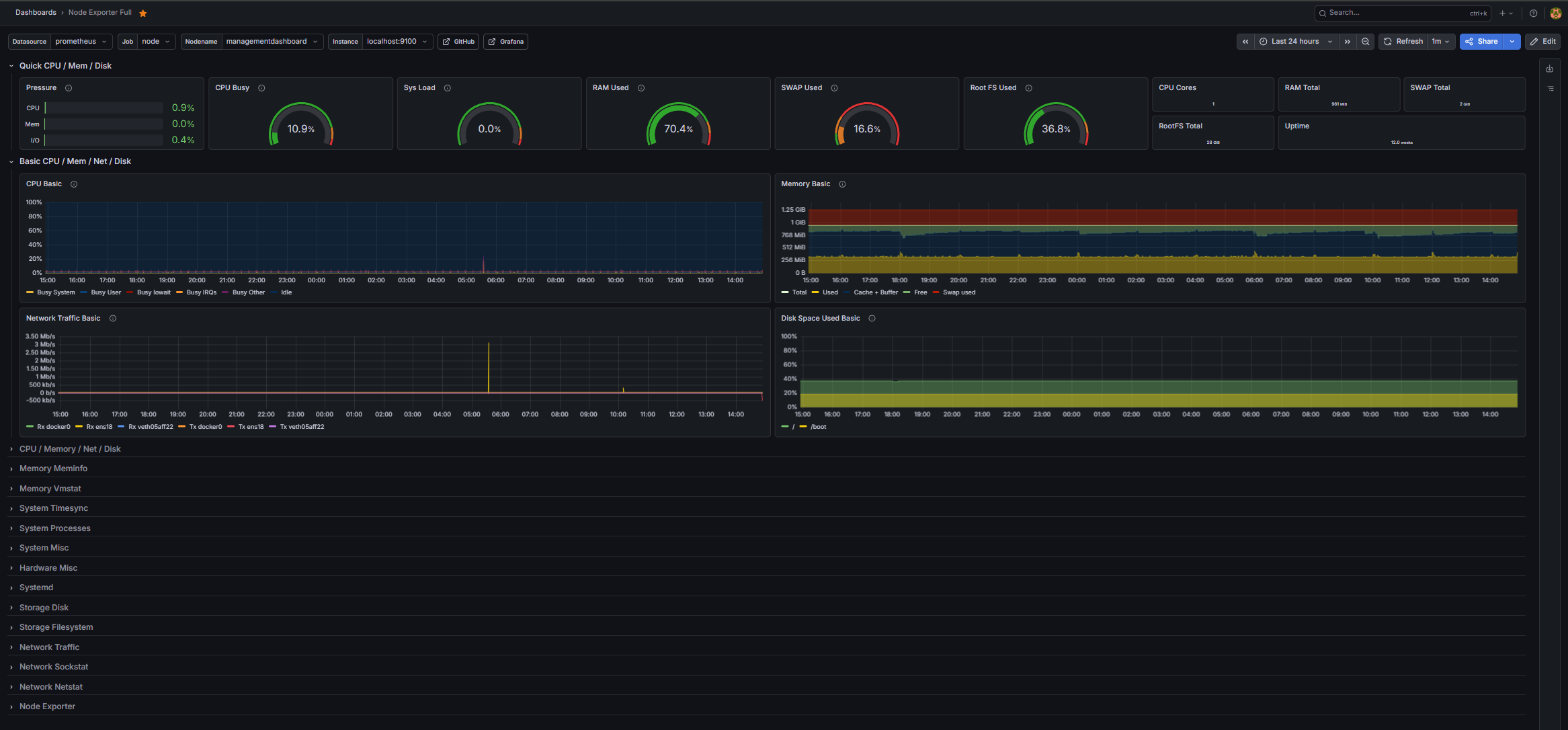
Monitoring across every VM, plus UPS/power status. Wired up with real email alerting — a VM going down triggers an actual notification, not just a dashboard that quietly turns red while nobody's looking at it.
Related work
This same homelab hosts Drippin' Pools — a real production website — inside its DMZ VLAN, isolated from everything else pictured above.